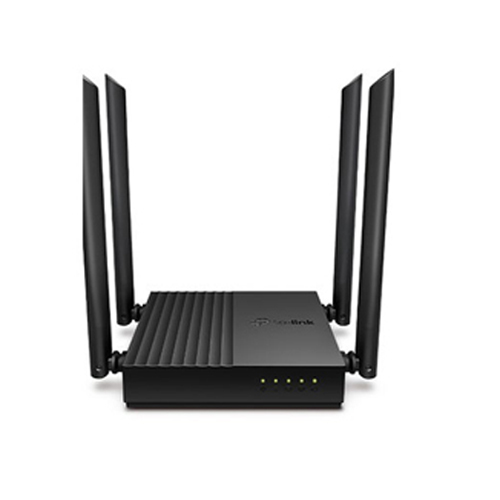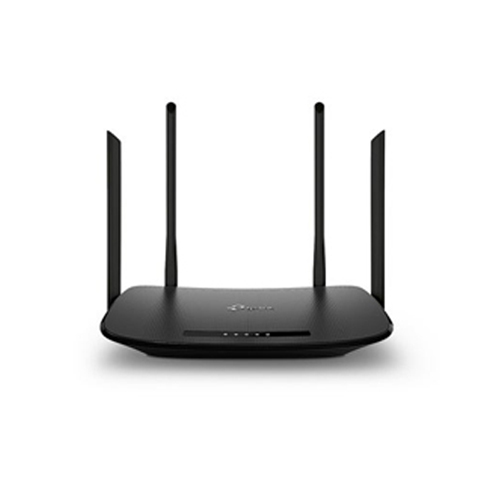
 3
3

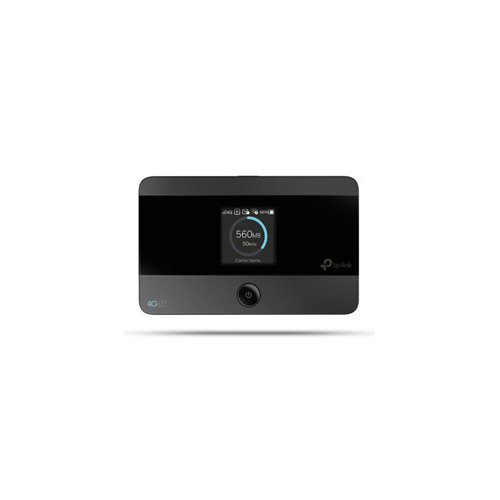
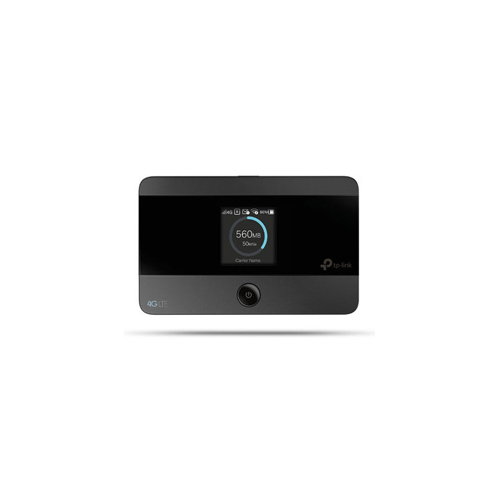
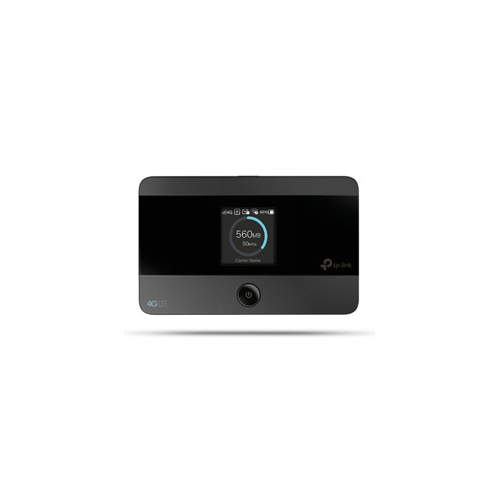
Only 1 left in stock




Shipped To Please select the address you want to ship to
Shipping price :
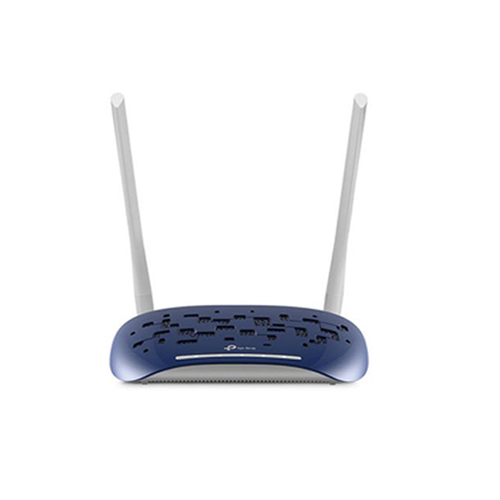
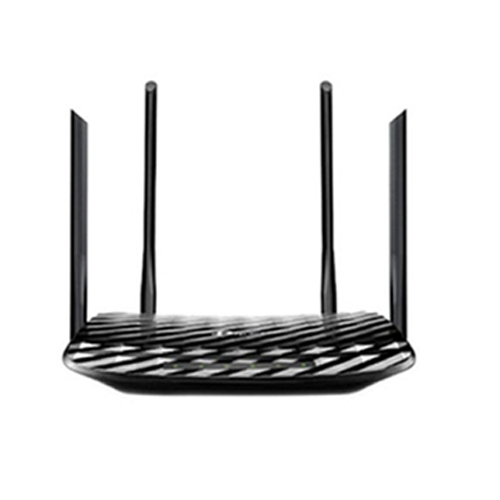
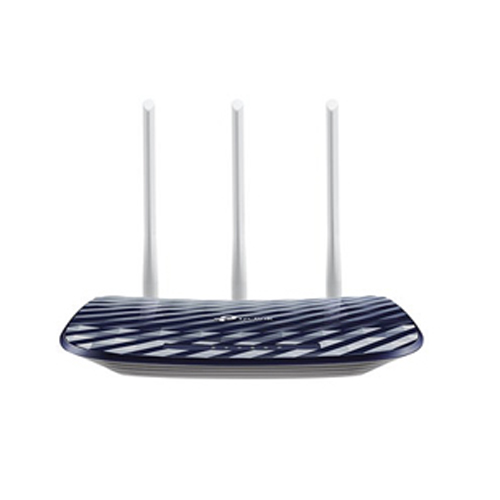
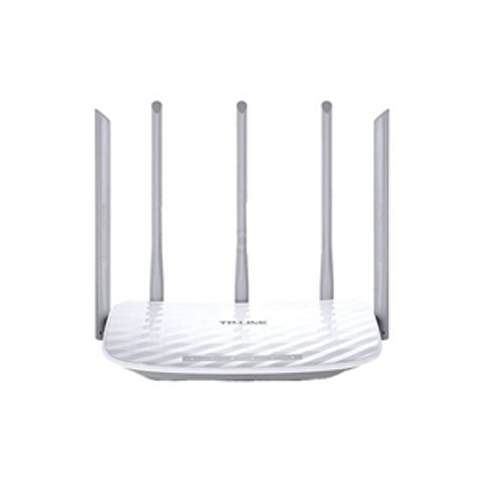
OverviewA router is a device that connects two or more packet-switched networks or subnetworks. It serves two primary functions: managing traffic between these networks by forwarding data packets to their intended IP addresses, and allowing multiple devices to use the same Internet connection.There are several types of routers, but most routers pass data between LANs (local area networks) and WANs (wide area networks). A LAN is a group of connected devices restricted to a specific geographic area. A LAN usually requires a single router.A WAN, by contrast, is a large network spread out over a vast geographic area. Large organizations and companies that operate in multiple locations across the country, for instance, will need separate LANs for each location, which then connect to the other LANs to form a WAN. Because a WAN is distributed over a large area, it often necessitates multiple routers and switches.Think of a router as an air traffic controller and data packets as aircraft headed to different airports (or networks). Just as each plane has a unique destination and follows a unique route, each packet needs to be guided to its destination as efficiently as possible. In the same way that an air traffic controller ensures that planes reach their destinations without getting lost or suffering a major disruption along the way, a router helps direct data packets to their destination IP address.In order to direct packets effectively, a router uses an internal routing table — a list of paths to various network destinations. The router reads a packet's header to determine where it is going, then consults the routing table to figure out the most efficient path to that destination. It then forwards the packet to the next network in the path.In order to connect a LAN to the Internet, a router first needs to communicate with a modem. There are two primary ways to do this:(1)Wireless router: A wireless router uses an Ethernet cable to connect to a modem. It distributes data by converting packets from binary code into radio signals, then wirelessly broadcasts them using antennae. Wireless routers do not establish LANs; instead, they create WLANs (wireless local area networks), which connect multiple devices using wireless communication.(2)Wired router: Like a wireless router, a wired router also uses an Ethernet cable to connect to a modem. It then uses separate cables to connect to one or more devices within the network, create a LAN, and link the devices within that network to the Internet.
| Antenna Type | Internal |
| Connectivity Type | 4G, Wi-Fi |
| Voltage | 5 |
| Batteries Included | Yes |
| Wireless Type | 802.11bgn |
| Travel | Yes |
| Band Technology | Dual Band |
| Battery Size | 2000 mAh |
| Brand Compatibility | TP-LINK |
| Charging Type | Type-C |
| Colour Name | Black |
| Connection Type | Wifi |
| Connector Type | USB Type C |
| Country of Origin | China |
| Feature 1 | Compact Size |
| Feature 2 | Travel |
| Feature 3 | Portable |
| Feature 4 | Pocket Size |
| Feature 5 | Indicator Lights |
| Form Factor | Mobile ITX |
| Max Data Transfer Rate | 150 Mbps |
| Model Name | Mobile WiFi Router |
| Model Number | TL-M7350 |
| Item Qty | 1 |
| Number of Ports | 1 |
| Product Height | 10.6 cm |
| Product Length | 1.6 cm |
| Product Width/Depth | 6.6 cm |
| Storage Capacity | 32 GB |
| Usage Type | Home |
| USB Generation | USB 3.1 |
| What's In The Box | TP-LINK 4G Mobile Wifi Router Black/ Fine Box Packing |
| Wi-Fi Range | 115 None |
| Wireless Standard | 4G |
| Wireless Standard Value | 3.46 Gbps |
| Wireless Technology | WiFi |